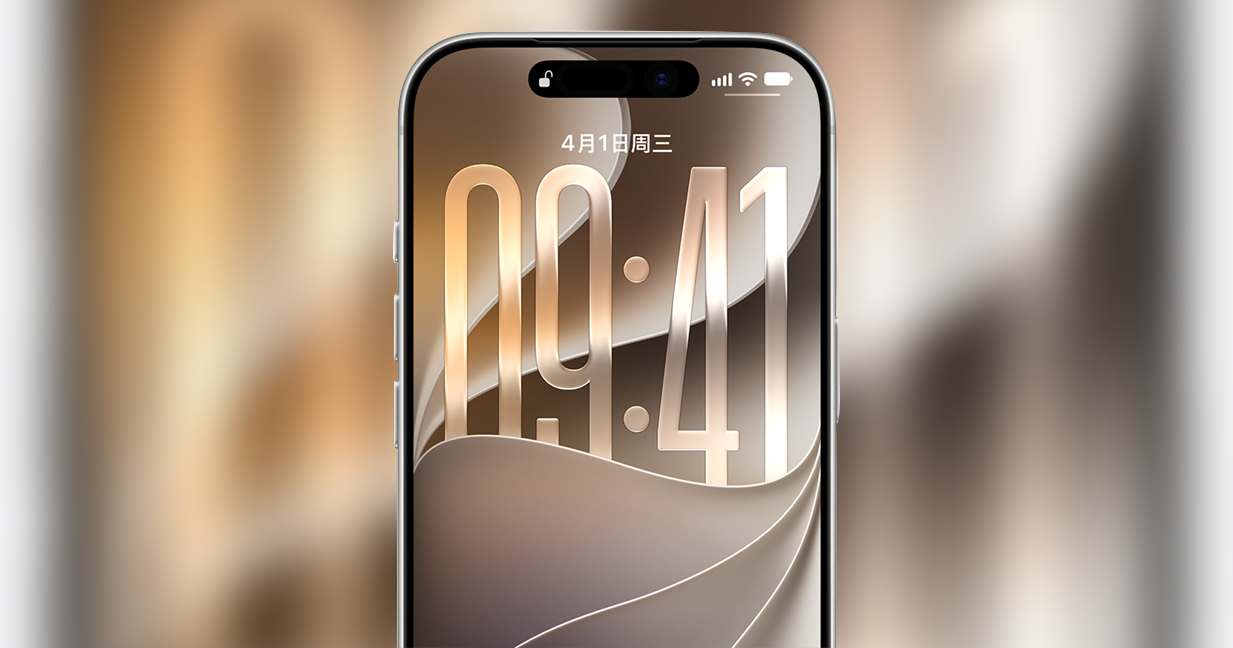
Some iPhone 18 Pro Users Report Face ID Issues; Apple Offers Troubleshooting Guidance
Apple’s iPhone 18 Pro has recently drawn attention after some users reported problems with the device’s Face ID feature. According to user reports, Face ID may occasionally stop working as expected, with some reports suggesting that restarting the iPhone can restore the feature.
Apple has an official Support page covering Face ID problems and troubleshooting for iPhone models, including the iPhone 18 Pro. The company provides several steps users can try when Face ID is not working properly.
However, there is an important distinction: Apple’s official Support page provides troubleshooting instructions, but it does not specifically describe the issue as a confirmed “Face ID restart bug.” Therefore, the reported problem should be described as a user-reported issue rather than an officially confirmed defect unless Apple publishes a specific statement about it.
What Is the Reported Face ID Problem?
Face ID uses the iPhone’s TrueDepth camera system to recognize the user and unlock the device. Some iPhone 18 Pro users have reported that Face ID can fail to work normally. In some cases, restarting the device may help restore normal operation.
The reports have generated discussion among iPhone users, particularly because Face ID is an important part of the iPhone’s security and authentication system. It is also used for functions such as unlocking the device and authenticating certain actions.
At present, users should not assume that every Face ID failure is caused by the same software problem. Apple’s troubleshooting guidance covers several possible causes, including obstructions around the TrueDepth camera and Face ID configuration issues.
Read also : Vivo Smartphone Prices Hiked in India: X300 FE, S2 and Y-Series Phones Get Costlier
How to Fix Face ID Problems on iPhone 18 Pro
Apple recommends several troubleshooting steps that users can try if Face ID is not working correctly.
1. Restart the iPhone
The first step is to restart the iPhone and then try using Face ID again. A restart can resolve temporary software-related problems.
2. Check the TrueDepth Camera
Make sure the TrueDepth camera area at the top of the display is not covered or blocked. A case, screen protector, dirt, or another obstruction can potentially interfere with Face ID.
3. Make Sure Your Face Is Visible
When using Face ID, make sure your eyes, nose, and mouth are clearly visible to the camera. Apple also recommends holding the iPhone in a suitable position while attempting Face ID authentication.
4. Update iOS
Users should check whether a newer version of iOS is available and install it if necessary. Software updates can include bug fixes and improvements that may address device problems.
5. Reset Face ID
If Face ID continues to fail, users can reset the existing Face ID configuration and set it up again. This can be done through Settings > Face ID & Passcode > Reset Face ID.
After resetting Face ID, users can follow the on-screen instructions to register their face again.
6. Contact Apple Support
If none of these steps resolves the problem, users can contact Apple Support or visit an Apple service location for further assistance. Persistent problems may require additional diagnosis.
Is Apple Confirming a Face ID Bug?
This is where users should be careful when sharing information about the issue.
Apple’s official Support documentation confirms that the company provides troubleshooting guidance for Face ID problems on supported devices, including the iPhone 18 Pro. However, the page does not specifically say that Apple has confirmed a “Face ID restart bug” affecting iPhone 18 Pro users.
Therefore, it is more accurate to say that some users have reported Face ID problems and Apple provides official troubleshooting steps, rather than claiming that Apple has officially confirmed the specific bug.
For iPhone 18 Pro owners experiencing Face ID problems, the troubleshooting steps above are the appropriate place to start.
Official Apple Support: Apple Support — Face ID troubleshooting
Note: The Apple Support page is official, but it should not be presented as confirmation of a specific “Face ID restart bug” unless Apple explicitly documents that issue.